

Accessing Data Sources
- Go to Configuration in the left-hand navigation menu
- Select the Data Sources tab
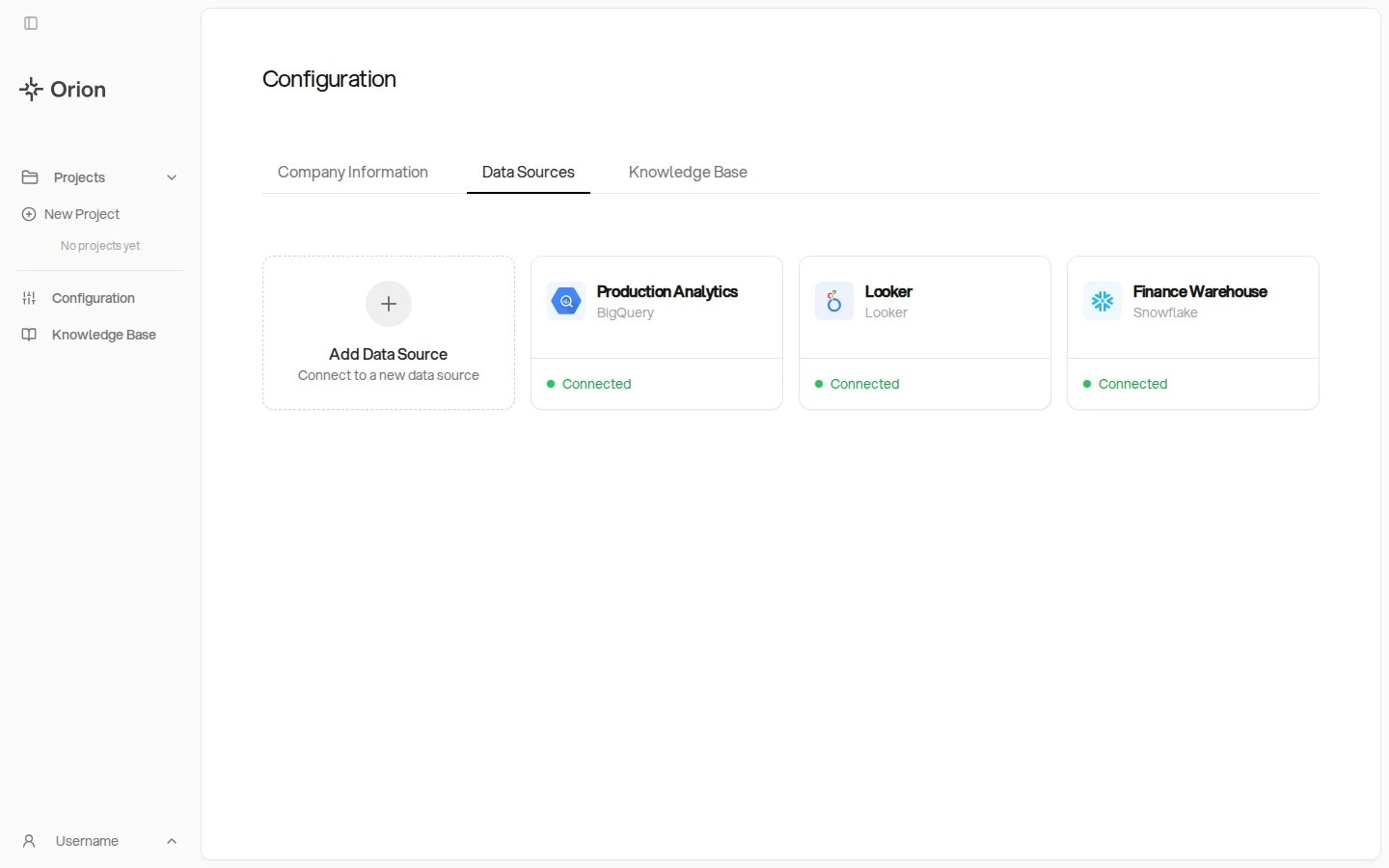
How Data Sources Work
Data sources are configured at the tenant level and made globally available:- Tenant-level setup - Administrators connect data sources once in Configuration
- Tenant-wide by default - Connected data sources are available across the tenant, subject to each user’s role and group membership
- Role limits - What a user can do with a data source depends on their role: Admins manage connections, Analysts query them, and Viewers query only where a project owner allows it
- Group scoping - Groups limit which data sources their members can use
- Project-level selection - Each project can choose which data sources to use
- Multiple data sources - A project can connect to multiple data sources simultaneously
Supported Data Sources
Orion currently supports connections to:- BigQuery - Google’s data warehouse platform
- Snowflake - Cloud data platform
- Databricks - Lakehouse data platform
- Redshift - Amazon’s cloud data warehouse
- Amazon Athena - Serverless SQL over data in S3, via the AWS Glue catalog
- Microsoft Fabric - Microsoft’s analytics warehouse
- PostgreSQL - Open-source relational database
- MySQL - Open-source relational database
- Delta Lake - Delta tables on cloud storage (ADLS Gen2 or GCS)
- MotherDuck - Hosted DuckDB, queried with DuckDB SQL
- Looker - Dashboards, Looks, and LookML business logic
- dbt - Model metadata and lineage, used to enrich a warehouse connection
- News API - News headlines pulled into analyses for external context (free newsapi.org key)
- Weather - Historical and forecast weather from Open-Meteo, no key required
Adding a Data Source
As an administrator, you can:- Click the Add Data Source tile
- Select the type of data source from the supported list
- Provide the necessary connection credentials and configuration
- Save the connection
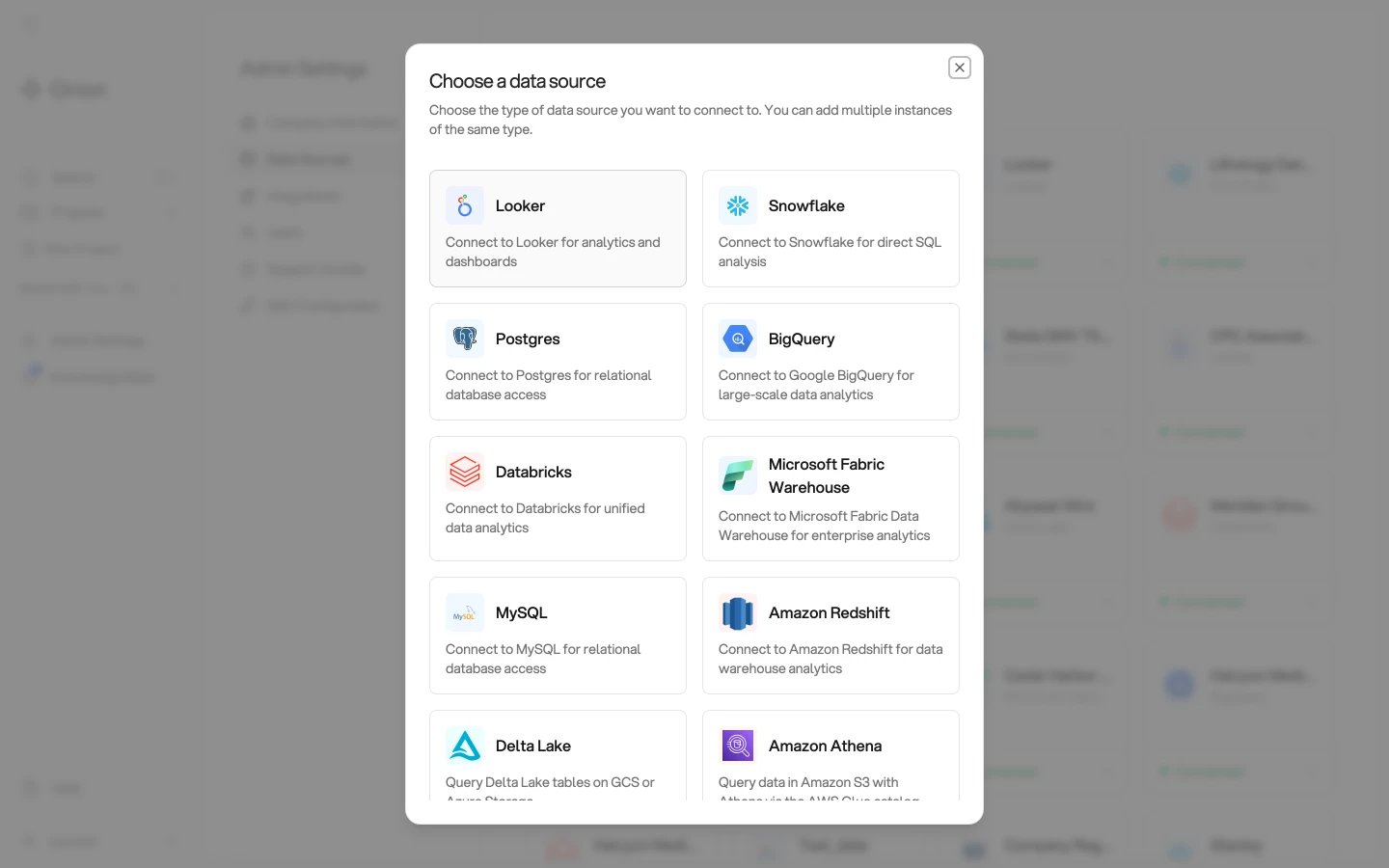
Each data source has its own access requirements. See Connecting Data
Sources for the credentials, grants, and network
access each one needs.
Managing Data Sources
Administrators can:- Update credentials - Change connection details if needed
- Monitor status - Check the health of data source connections
- Remove data sources - Disconnect data sources from the tenant
- View usage - See which projects are using each data source