

Opening Search
- Click Search in the left sidebar, or
- Press ⌘K (Mac) / Ctrl+K (Windows/Linux)
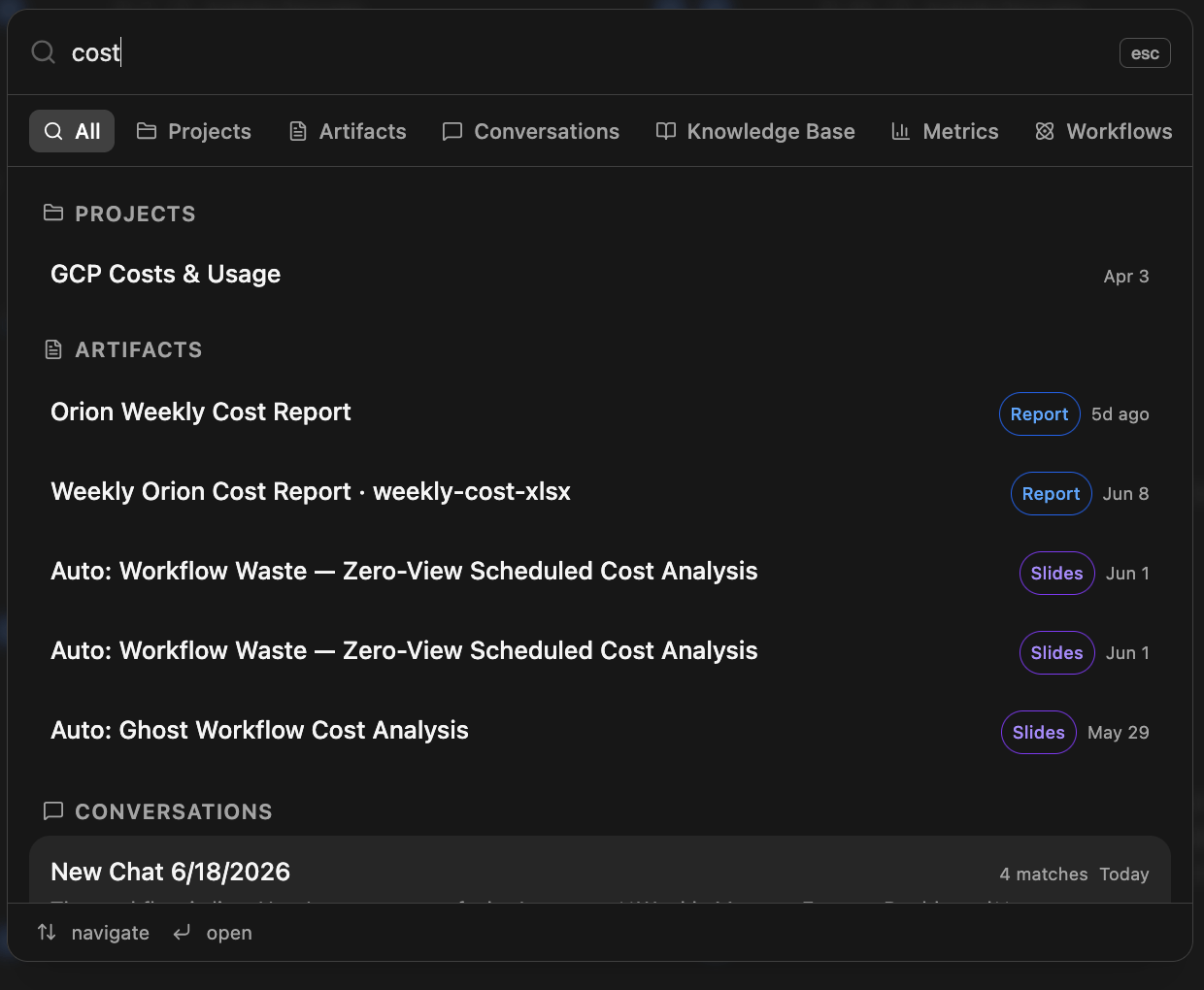
Filtering Results
By default, search returns results across all content types. Use the filter tabs at the top of the panel to narrow to a specific type:Reading Results
Results are grouped by content type. Each result shows:- Name: the title of the item
- Type badge (artifacts only): Report, Slides, or Dashboard
- Date: when the item was last updated or created
- Match count (conversations only): number of matching messages within that conversation